I made my first software for someone else to use
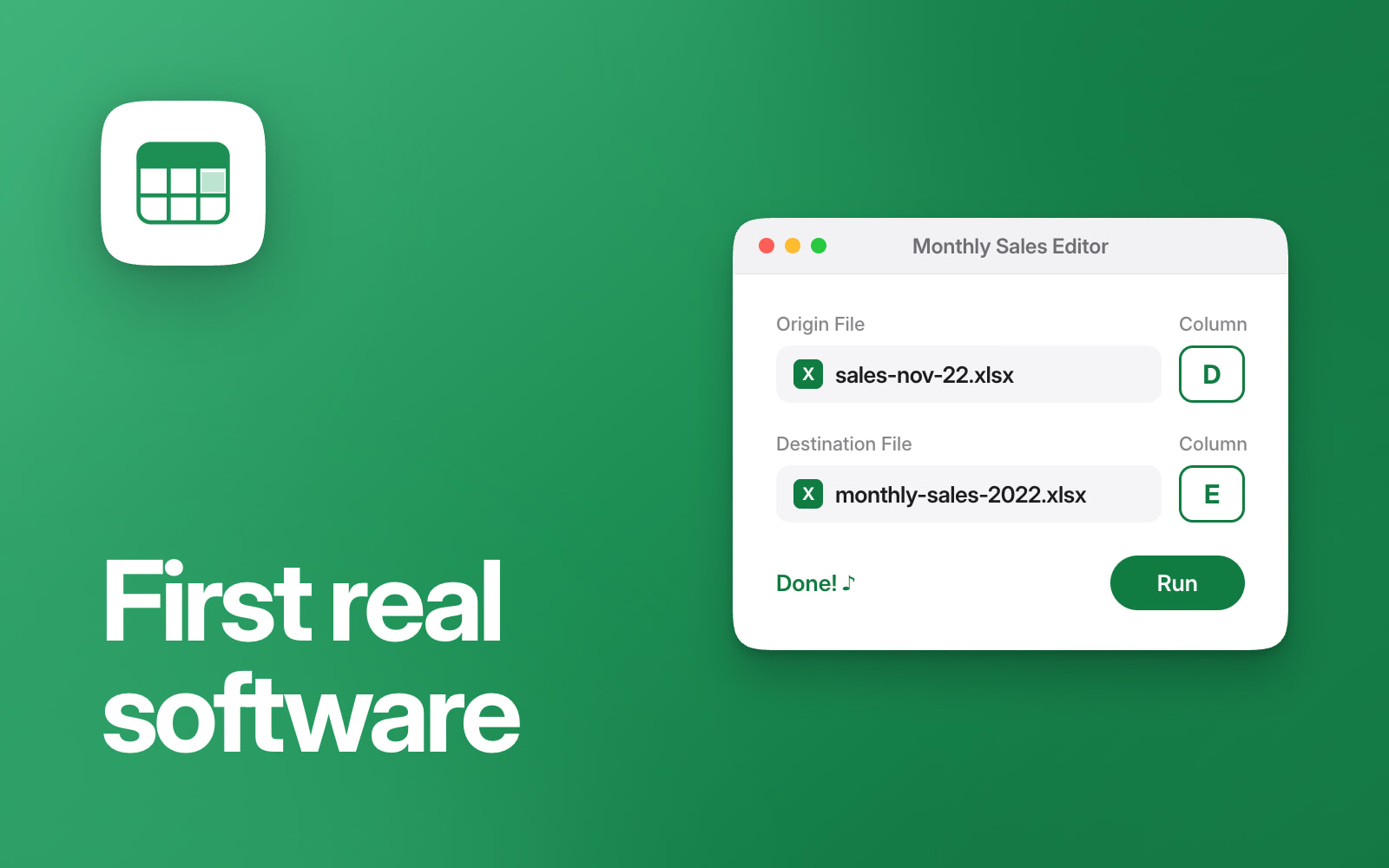
Until now, all the code I’d written was for myself or for university coursework. I’ve just finished the first app I’ve made for someone else: it’s for a team at a company in Kuwait.
Every month, a sales report comes in for the whole Middle East and North Africa region, with every country and every customer in it. The team keeps their own customers’ totals in a running table, with a column for every month. Before this, they copied them across by hand, customer by customer, then checked it all. It took a few hours every month.
What it does
You pick the month’s report and the running table, type the column letter of the sales figure and the column letter of the month, and press Run.
The report isn’t one neat row per customer. Each customer’s code comes first, then their own lines, then their total. That’s why a lookup formula wasn’t enough: it finds the row with a customer’s code, but their total is a different number of rows below it for every customer. So for every customer in the running table, the app finds their code in the report, skips down to their total, and writes it into their row under that month. Customers missing from that month’s report are left alone. Then it says Done! and plays a little sound. The few hours of copying now take under half a minute, and most of that is just opening the files, which are big.
It also stops the obvious mistakes: picking the same file twice, picking something that isn’t an Excel file, or typing a number where a column letter should go.
While testing it on their real files, I found places where the figures in the two files didn’t line up, fixed them, and pointed them out.
Mac and Windows
Their team used both Macs and Windows PCs, so it had to run on both, without Python installed. I’m on a Mac, so I built the Windows .exe in a Windows virtual machine. Text sizes that looked right on my Mac were too big on Windows, so the Windows version has its own smaller fonts.
It’s written in Python, with Tkinter for the window and openpyxl for the Excel files.